How to Install Tampermonkey and Get an API Key
This guide is designed to help you install Tampermonkey on your browser and get your API Key easily. Follow the steps below carefully to ensure a successful installation.
-
1
Step 1: Visit the Tampermonkey Website
Open your browser and go to the Tampermonkey website. This is the official site where you can download the extension.
-
2
Step 2: Download Tampermonkey
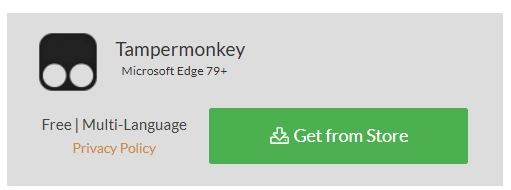
Click the "Get From Store" button that matches your browser. This takes you to your browser's extension store.

-
3
Step 3: Install Tampermonkey in Your Browser
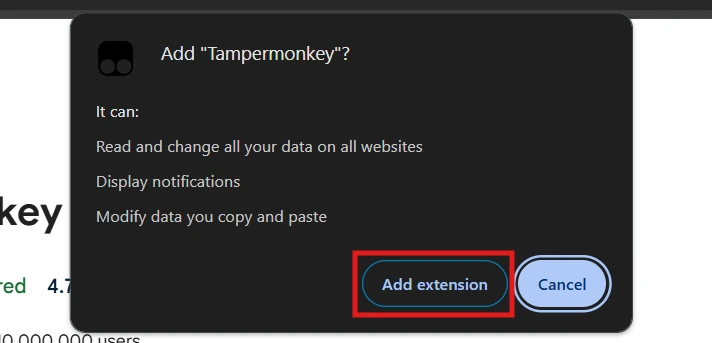
After clicking "Add to Browser", a confirmation window will appear. Click "Add Extension" to install. The Tampermonkey icon will then appear in your browser toolbar.
-
4
Step 4: Open Tampermonkey Settings
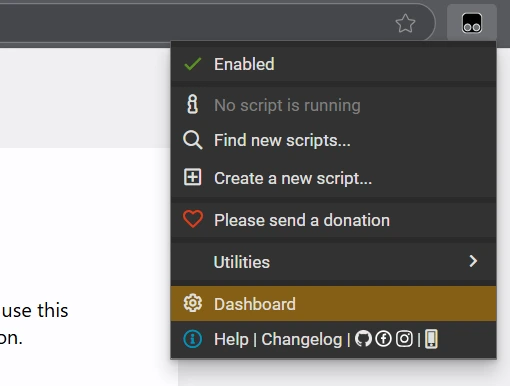
Click the Tampermonkey icon in your toolbar, then select "Dashboard" from the dropdown to open settings.
-
5
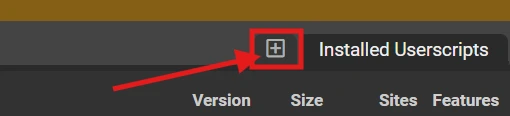
Step 5: Create a New Script
In the dashboard, click "Create a new script". A new script editor will open.
-
6
Step 6: Paste the Script and Save It
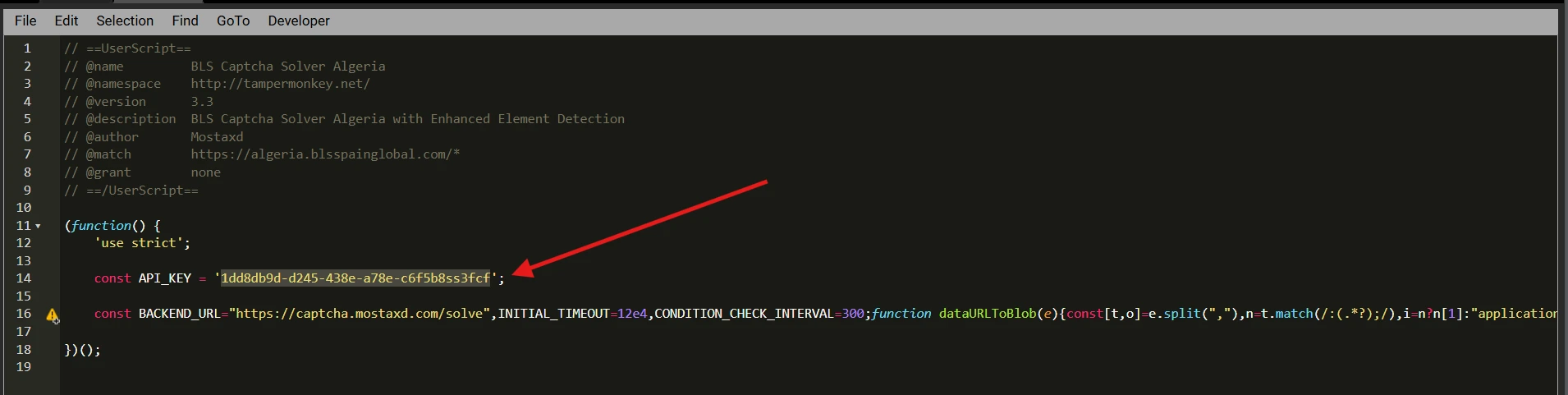
Paste your script into the editor. Then click "File" in the top-left corner and select "Save". Important: Make sure to enter your API_KEY in the designated place inside the script.